
From rubric to final report, automatically.
Marka is peer evaluation software for teachers. It replaces the Google Forms → export → pivot table → mail-merge routine with rubric-based scoring, anonymous student feedback, and a one-button Consolidated Final Report.
Sign up and run your first period today — no demo, no sales call, no admin approval · Built by teachers, for teachers · No student ever gets an email
How it works
Three steps. No spreadsheets.
The same evaluation workflow you already run, minus the manual data wrangling.
Build your rubric once
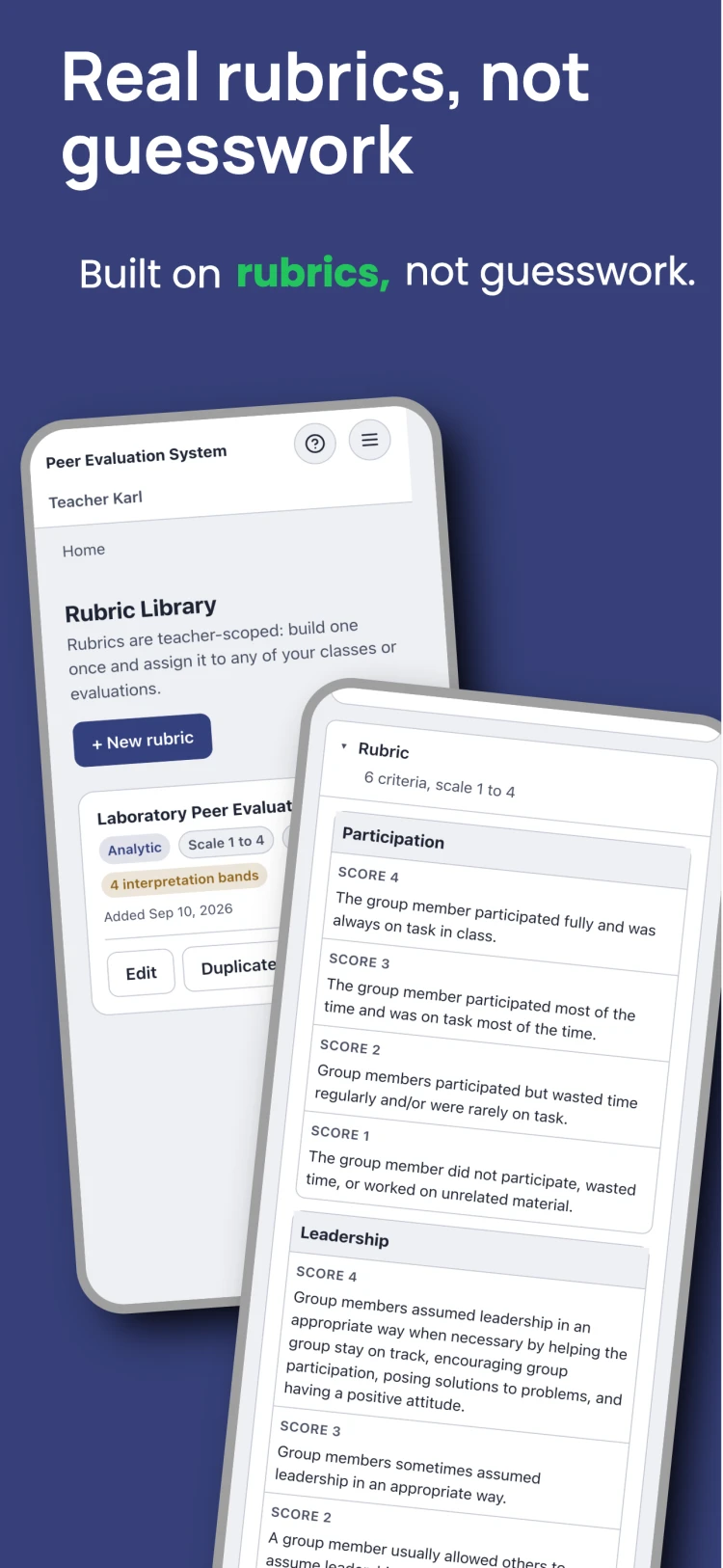
Define criteria, indicator text, and your own scale, analytic or holistic. Reuse it across every class and period you teach.
Students evaluate on their phones
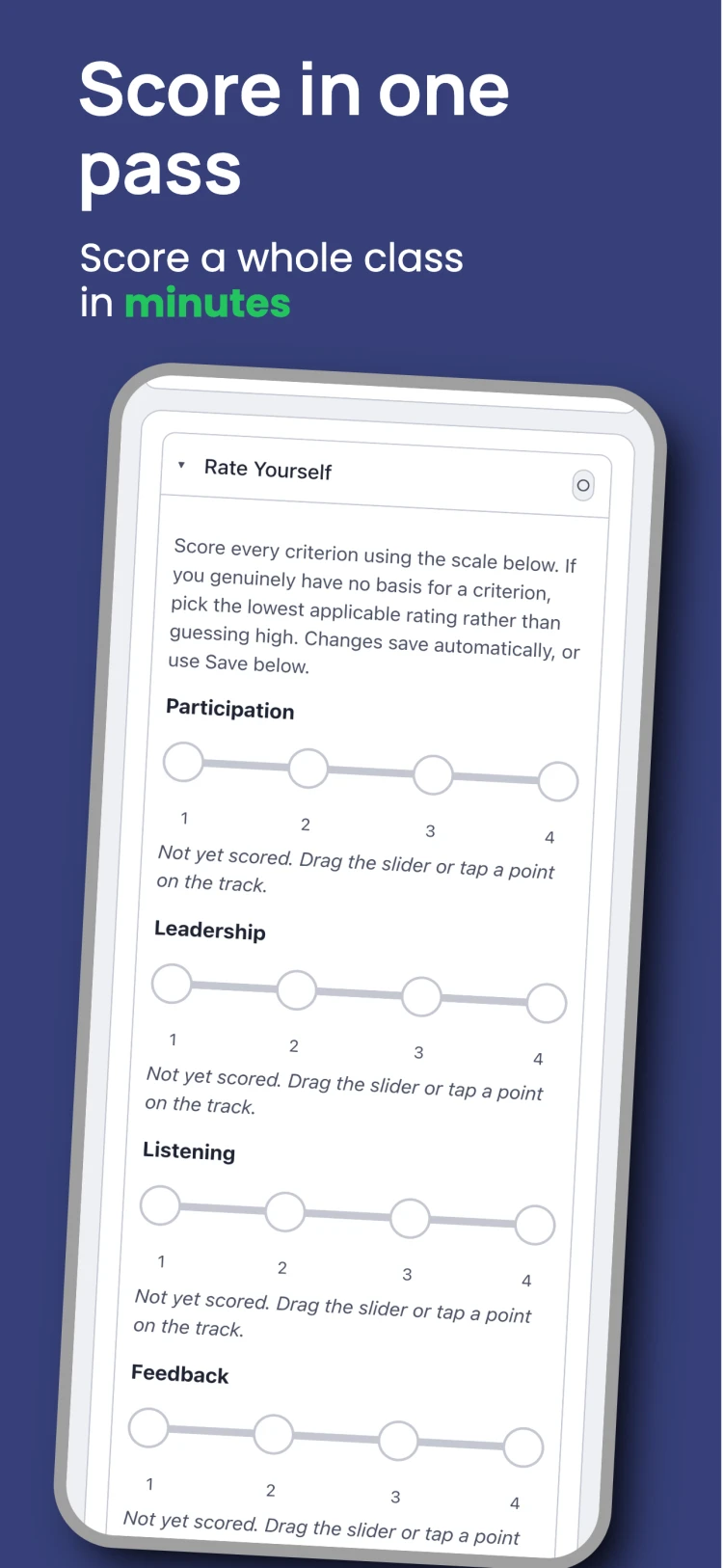
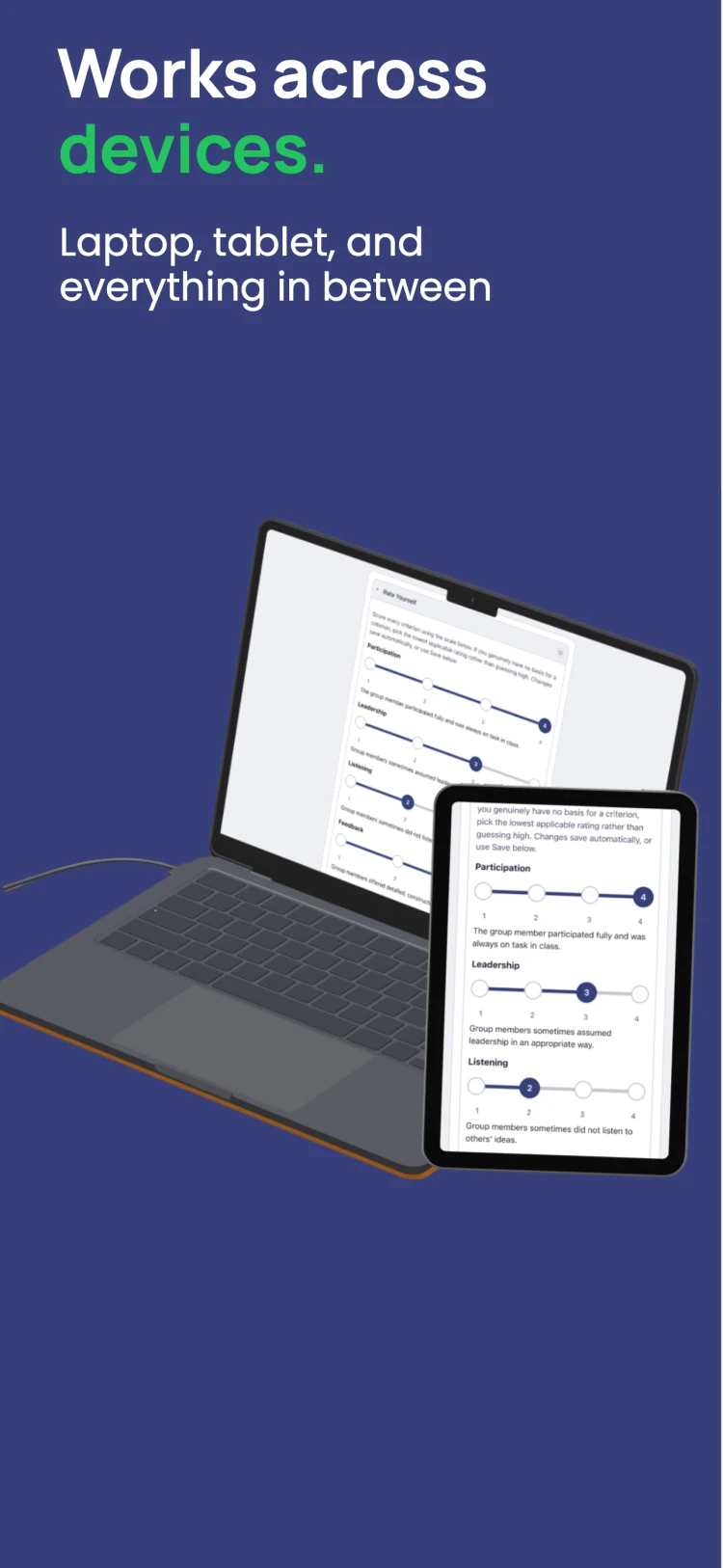
A per-student access code, a slider for each criterion, an optional private and public note. No app required, no account to create — or students can use the lightweight Android app for quicker access.
Get the app on Google Play →Get one report, not a spreadsheet
Live rollups while the period is open, then a Consolidated Final Report: the same table you build by hand, generated in one click.
See it in action
What teachers and students actually see
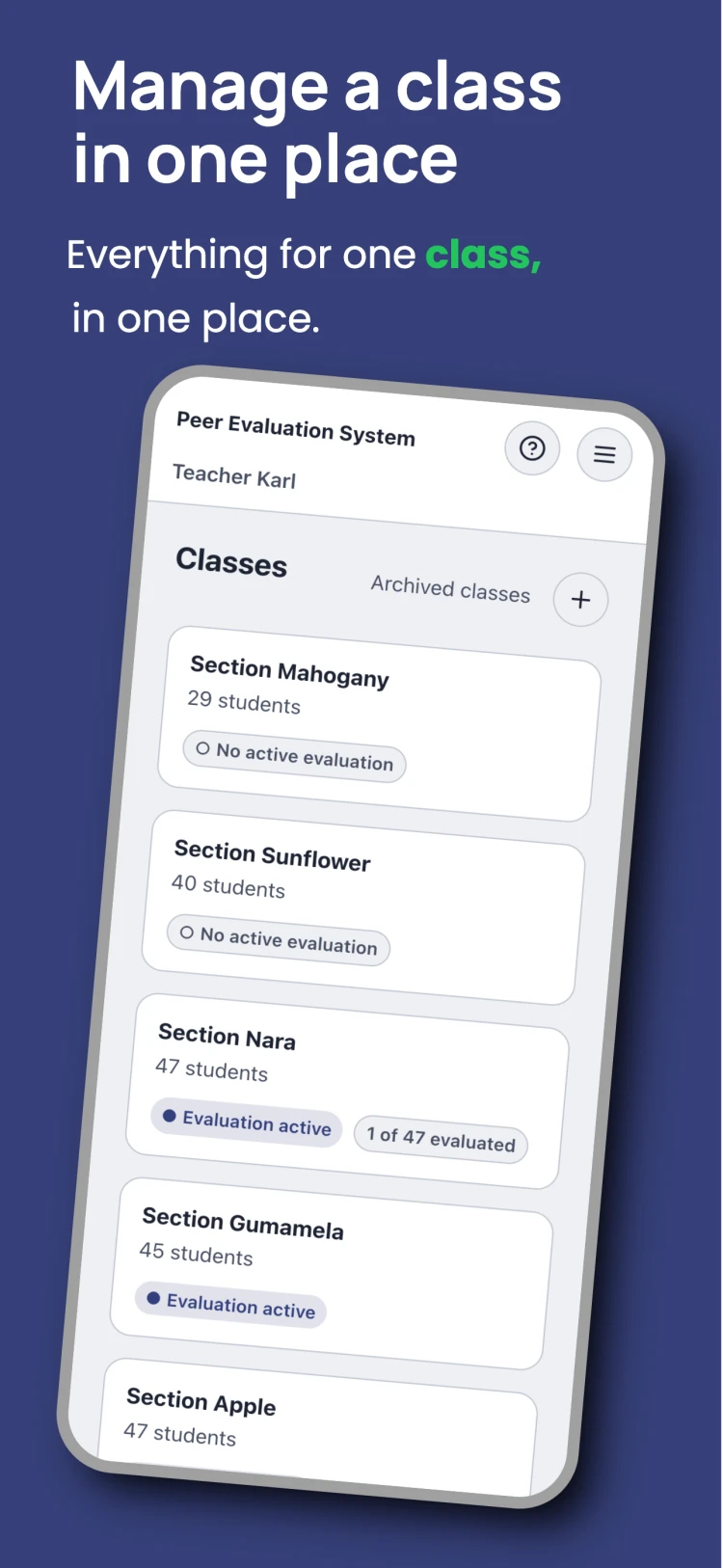
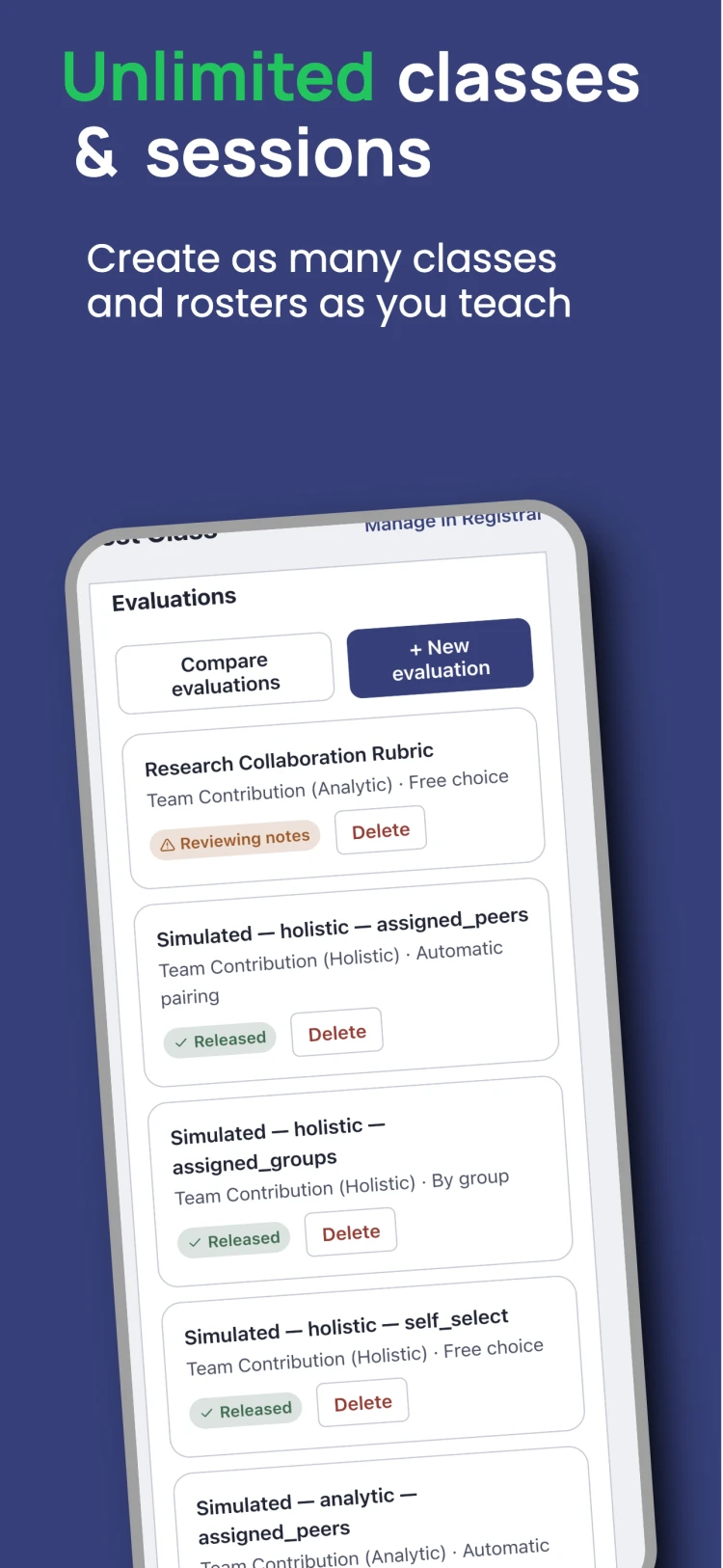
A look at the rubric builder, live scoring, and results screens, straight from the app.
No middleman
Onboard yourself. Nothing to request.
Most peer-evaluation tools go through your institution: a sales call, an admin to switch it on, an LMS integration to wait for. Marka is self-serve. You create your own account and run a real evaluation period the same day.
No demo or sales call
Sign up with your email, verify it, and you're in. No form to fill out, no waiting for someone to get back to you.
No admin or IT approval
You don't need your department to buy a license or an administrator to enable anything. The Free plan is fully self-serve.
No LMS integration to set up
Marka runs on its own. Import a roster CSV, hand out access codes, and go — no Canvas, Moodle, or Google Classroom hookup required.
Features
Everything the old workflow needed you to do by hand
Built for real classrooms and real teacher workloads, not an enterprise HR tool.
Rubric builder
Analytic or holistic rubrics, your own scale, teacher-scoped so one rubric covers every section you teach.
Fair, anonymous scoring
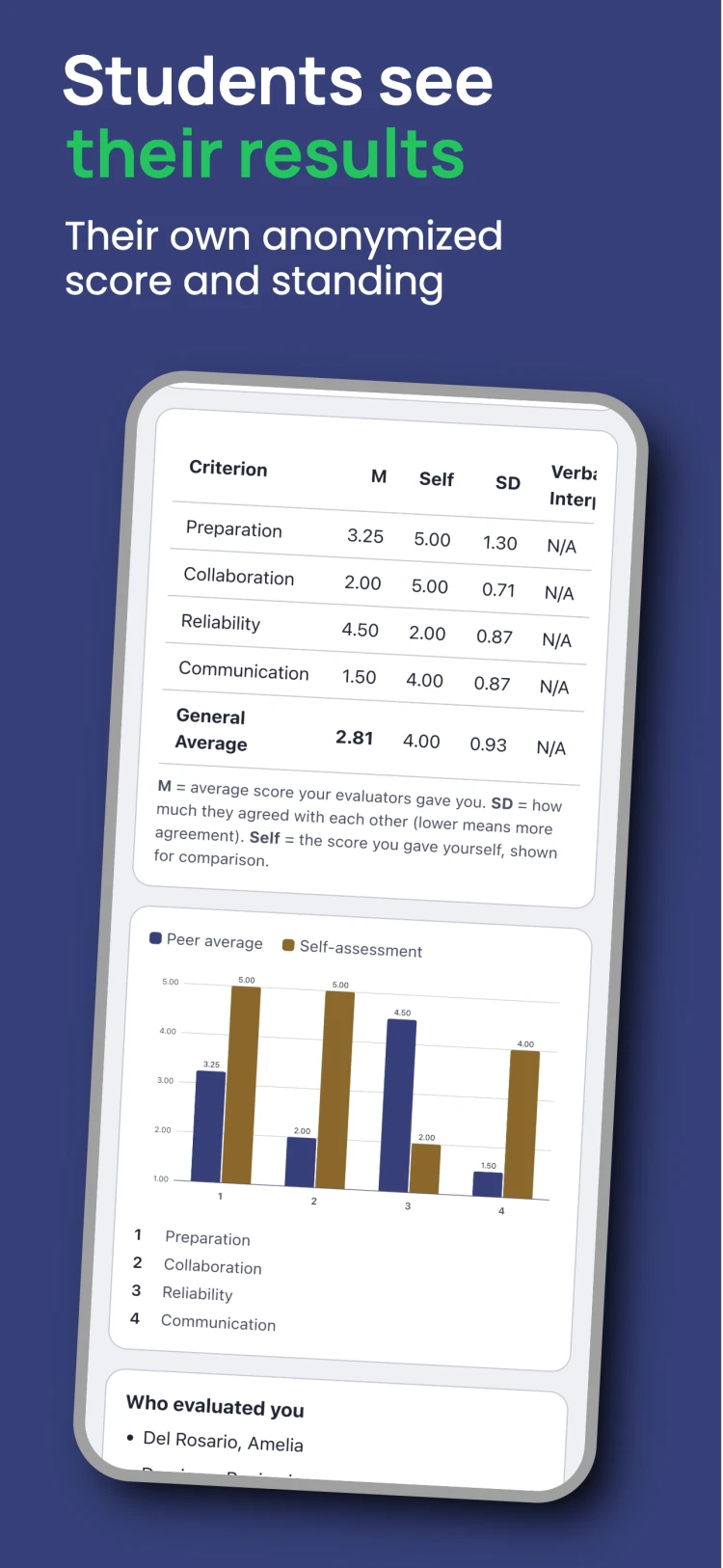
Students see the note content that peers wrote about them, never who wrote it. Self-evaluation is available as an optional comparison.
n ≥ 3, or it stays hidden
No student ever sees a result built from fewer than 3 evaluators. It's withheld entirely, not shown with a caveat.
Coverage, not just completion
Track evaluations received alongside evaluations given, so a quiet student in a self-select period never falls through the cracks.
Live in-progress rollup
Expand any student's row while a period is still open to see their provisional bar chart or radar chart, clearly marked as in-progress.
Peer Integrity Engine
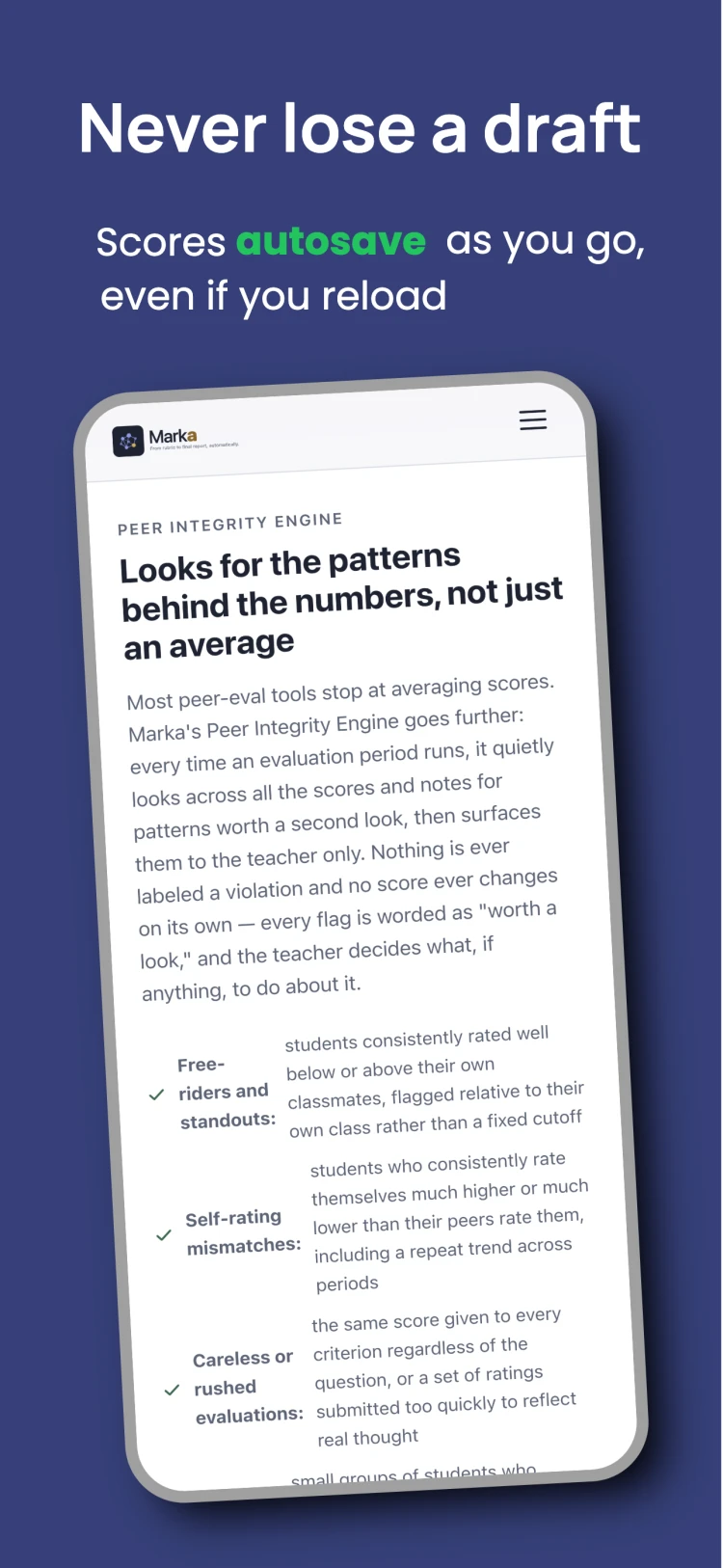
Free-riders, overconfident self-ratings, straight-lining, and scoring cliques, flagged automatically for the teacher only, never the student.
Consolidated Final Report
One button produces the exact table you build by hand today: dashboard view and CSV, in the same generation.
CSV roster import
Bulk-import your class list with a validation preview before anything commits, then export or print access codes to hand out in class.
Note moderation
Public notes are reviewed before release by default. Likely profanity or very short responses are auto-flagged; bulk-approve the rest.
Per-tenant data isolation
Every teacher's classes, students, and results are kept in their own separate space, built into the system itself, so one teacher's data can never mix with another's.
The pivot table killer
One button, not an afternoon of formulas
The Consolidated Final Report is the direct replacement for exporting Google Forms responses, combining them by hand, and building a pivot table before results ever reach a student. Generate it once a period closes, or side by side across a midterm and a final, and you get the exact shape a teacher already builds manually today.
- One row per student, one column per criterion, plus the General Average
- In-dashboard table and CSV download, generated together
- n and any limited-data flags travel with the export
- Per-student printable slips and a simplified gradebook-ready export
Who it's for: Teachers who currently spend an afternoon combining spreadsheet exports before they can hand results back to a class.
Class rollup: General Average
Minimum evaluators before any score or public note reaches the student it's about. Below that, results stay withheld, not just flagged.
Pricing
Free to run a full evaluation period.
everything needed to run peer evaluations end to end
- Up to 3 classes, 50 students per class, 6 evaluation periods
- Peer and self evaluation periods
- Aggregated results and CSV export
- Manual note review before releasing results
No credit card. Insights (AI-assisted note screening) is a separate add-on.
FAQ
Common questions
No. Students log in with a personal 7-character access code that a teacher hands out: no signup, no email, no password. Marka never sends a student an email; the only email address in the system belongs to the teacher.
Their results stay withheld from them entirely, not just flagged. Marka requires at least 3 evaluators before any score or public note reaches the evaluated student. The teacher can still see everything, marked as limited data, and can override the threshold for a specific student.
Yes. Holistic rubrics let each criterion carry its own point range instead of one shared min–max scale, with the overall average computed as a point total rather than forced across differently-scaled criteria.
Both, as a per-period setting. Assigned groups is the default when your roster CSV includes a Group/Team column; otherwise students self-select who to evaluate from the class list.
Yes. The Consolidated Final Report is a one-button action that produces the exact table teachers build by hand today: one row per student, per-criterion means, and a General Average, as both an in-dashboard view and a CSV download.
Yes. Every teacher's classes, rosters, and results are kept in their own separate space, built into the system itself rather than left to a setting someone could turn off by accident.
Yes, note moderation is on by default. Notes containing likely profanity, aggressive language, or very short responses are auto-flagged for individual review; everything else can be bulk-approved.
Yes. Marka's Peer Integrity Engine flags free-riders, overconfident self-ratings, straight-lining, scoring cliques, and rater bias against consensus. Every flag is teacher-only and worded as "worth a look," never an accusation, and no score changes automatically.
The Free plan (rosters, rubrics, evaluation periods, results, and CSV export) is free for up to 3 classes, 50 students per class and 6 evaluation periods, with a blurred preview of the Final Report. Insights removes those limits, fully unlocks the report, and adds AI-assisted note screening and summaries, available on request. See pricing details →
No. Marka is self-serve: sign up with your own email, verify it, and start. There's no demo to book, no sales call, no license for a department to buy, and no LMS integration to wait for. The Free plan is enough to run a full evaluation period — the main practical difference from institutionally-licensed tools. See how Marka compares →
From the same team
MarkIT
Attendance that keeps up with you.
Take classroom attendance in 60 seconds, online or off, from the team behind Marka.
Visit MarkIT →